Sticker size guide: what fits on a 4×7 or 4×6 sheet
Pick the size from what you’re sticking it on, then check how many fit: on a 4×7 sheet that’s 18 at 1 in, 8 at 1.5 in and 3 at 2 in (our calculation with the sheet maker’s spacing). Artwork needs 300 px per inch.
By the editorial team · Last updated
Pick a size by use
- Planner and journal: 0.75–1 in for icons and checkboxes, 1.5 in for photo tiles, 2 × 1 in for tabs. See planner stickers.
- Laptop and water bottle: 2–3 in. Few fit per sheet, so fill gaps with small stickers. See laptop and bottle stickers.
- Product labels: 1.5–2 in rounds for seals and lids, 2 × 1 in or 3 × 2 in rectangles for names and fronts. See product labels.
- Reward stickers: 1 in gives the most per sheet (18 on 4×7). See reward stickers.
- Wedding and party favors: 1.5 in rounds for envelope and favor-bag seals, 2 × 1 in for place cards. See wedding and party favor stickers.
- Photo stickers: 1.5–2 in, so faces stay recognisable. See photo to sticker.
Measure the real thing first (the planner box, the jar lid, the envelope flap) and pick the next size down so the sticker sits flat.
How many stickers fit on a 4×7 or 4×6 sheet
Our calculation, with the same rules the sheet maker uses. Two sizes are poor value on a 4 in wide sheet: 1.25 in fits no more per 4×7 sheet than 1.5 in (both 8), and 2 in fits only 3 because two 2 in stickers plus a gap need 4.125 in, more than the 3.7 in our general preset leaves across a 4 in sheet (or Liene’s published 3.9 in). At 1.75 in, 6 fit.
| Sticker size | Good for | 4×7 sheet, general | 4×7 sheet, Liene area | 4×6 sheet, general | Artwork at 300 DPI | Minimum at 200 DPI |
|---|---|---|---|---|---|---|
| 0.75 in circle or square | Planner checkboxes, date dots | 28 (4 × 7) | 28 (4 × 7) | 24 (4 × 6) | 225 × 225 px | 150 × 150 px |
| 1 in circle or square | Planner icons, reward stickers, confetti accents | 18 (3 × 6) | 18 (3 × 6) | 15 (3 × 5) | 300 × 300 px | 200 × 200 px |
| 1.25 in circle or square | Icons with a short word | 8 (2 × 4) | 8 (2 × 4) | 8 (2 × 4) | 375 × 375 px | 250 × 250 px |
| 1.5 in circle or square | Envelope and favor-bag seals, photo tiles | 8 (2 × 4) | 8 (2 × 4) | 6 (2 × 3) | 450 × 450 px | 300 × 300 px |
| 1.75 in circle or square | Larger seals, small photo stickers | 6 (2 × 3) | 6 (2 × 3) | 6 (2 × 3) | 525 × 525 px | 350 × 350 px |
| 2 in circle or square | Jar lids, water bottles, notebooks | 3 (1 × 3) | 3 (1 × 3) | 2 (1 × 2) | 600 × 600 px | 400 × 400 px |
| 2.5 in circle or square | Laptop lids, larger bottles | 2 (1 × 2) | 2 (1 × 2) | 2 (1 × 2) | 750 × 750 px | 500 × 500 px |
| 3 in circle or square | Laptop lids, statement stickers | 2 (1 × 2) | 2 (1 × 2) | 1 (1 × 1) | 900 × 900 px | 600 × 600 px |
| 2 × 1 in rectangle | Name labels, place cards, tabs | 9 (3 × 3, turned) | 9 (3 × 3, turned) | 6 (3 × 2, turned) | 600 × 300 px | 400 × 200 px |
| 2.5 × 1 in rectangle | Slim jar or bottle bands | 6 (1 × 6) | 6 (1 × 6) | 6 (3 × 2, turned) | 750 × 300 px | 500 × 200 px |
| 3 × 2 in rectangle | Front labels for jars, soaps and favor boxes | 3 (1 × 3) | 3 (1 × 3) | 2 (1 × 2) | 900 × 600 px | 600 × 400 px |
The sheet maker lays out one size per sheet, from 0.5 to 3.5 in per side. For mixed sizes, arrange them in Cricut Design Space or the Liene app. Supply cost per sticker at each size is in the cost per sheet calculator.
Published printable areas
Only Liene publishes a printable area for its sticker paper. Where a maker doesn’t, keep important artwork away from the sheet edge and print a test sheet first.
| Printer | Sticker media | Printable area | What it means for your layout |
|---|---|---|---|
| Liene PixCut S1 | 4 × 7 in sticker paper (Liene tech specs) | 3.9 × 6.7 in (Liene tech specs) | Use the Liene preset in the sheet maker; it keeps stickers inside this area. |
| Cricut StickerPix Print + Cut | 4 × 7 in sticker sheets (Cricut shop (US)) | Not published | Our general preset assumes a 0.15 in margin on every side; adjust it if your prints clip. |
| Cricut StickerPix Print | Pre-cut sheets: six 1.5 in circles, five 1 × 2.6 in rectangles or six 1.5 in squares (Cricut Help Center) | Fixed pre-cut shapes | Full-sheet layouts don’t apply; place artwork in Cricut’s pre-cut templates. |
| Canon SELPHY CP1500 | Postcard 4.0 × 6.0 in, card-size 2.1 × 3.4 in and square 2.1 × 2.1 in label formats (Canon spec sheet) | Not published | No cutter is listed, so shapes are trimmed by hand. |
Pixels and resolution
- 300 DPI means 300 px per inch. A 1.5 in sticker needs 450 × 450 px of artwork, a 3 × 2 in label 900 × 600 px. A full sheet is 1200 × 2100 px for 4 × 7 in, or 1200 × 1800 px for 4 × 6 in.
- Below 200 DPI, expect soft edges. The sheet maker flags any image that would print below 200 DPI at the chosen size; the last column of the table shows the pixels that takes.
- Size includes the white border. With the sheet maker’s default 1/16 in border, the artwork area of a 1.5 in sticker is about 1.375 in across.
- Transparent PNGs let the border follow your artwork’s outline. Liene says transparent PNGs are especially useful for the PixCut S1’s automatic outline cutting (Liene product page).
Free blank cut templates
Ten blank layouts, each as a transparent 300 DPI PNG for 4×7 and 4×6 sheets and as an SVG in inches. A solid light grey line marks each sticker’s edge; a dashed line 1/16 in inside it marks the safe area (the sheet maker’s default white border). Open one as a layer in your design app, draw inside the dashed lines, then hide or delete the guide layer before you export, or the grey lines will print.
Generic layouts. These use the sheet maker’s general preset (0.15 in margins, 0.125 in gaps, centred). They are not aligned to any pre-cut paper, including StickerPix Print pre-cut sheets, and we have not checked how any printer aligns or cuts them. Check the size in your printer’s app and print a test sheet.
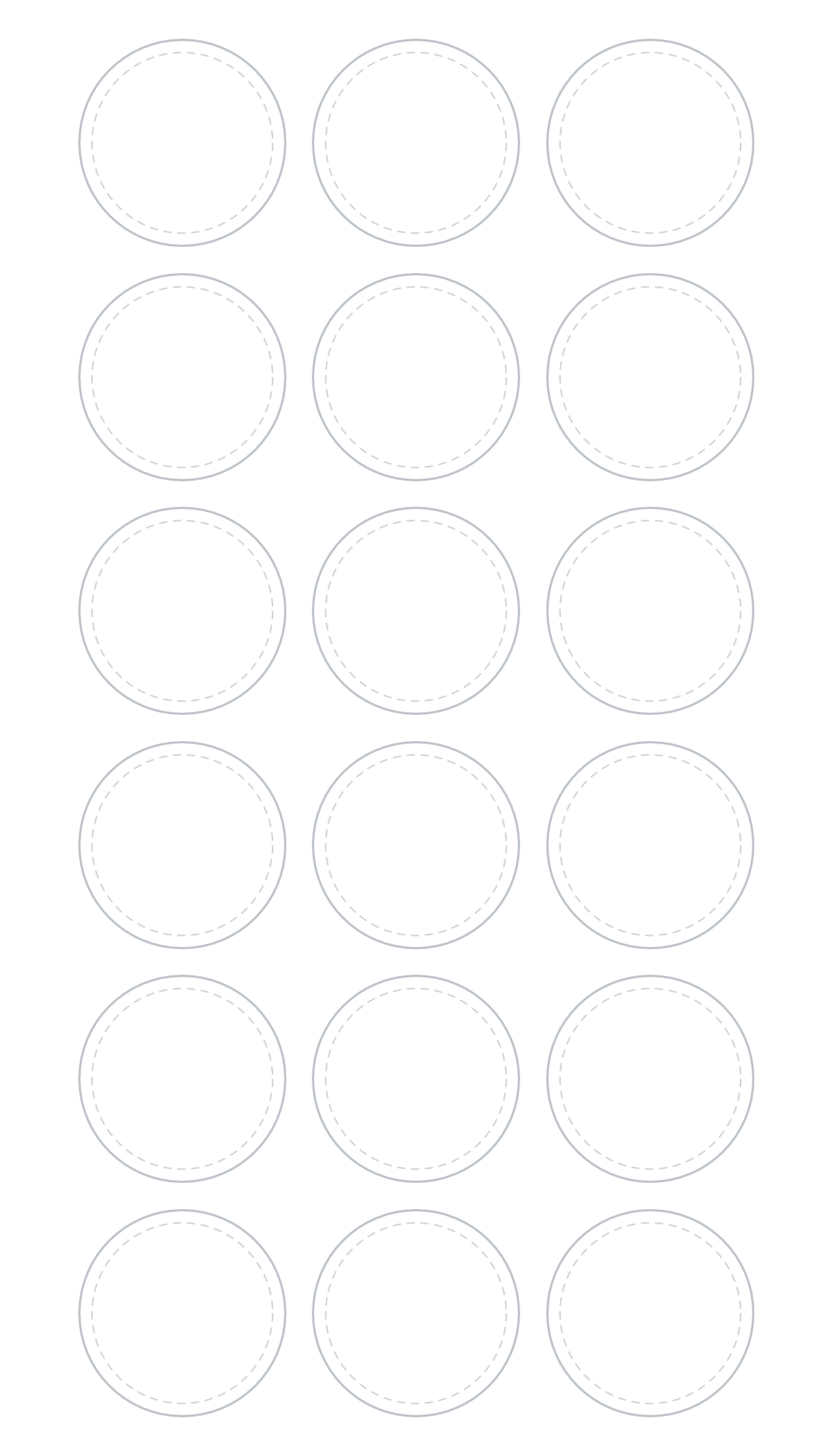
1 in circles
18 on a 4×7 sheet (3 × 6), 15 on a 4×6 sheet (3 × 5).
PNG: 1200 × 2100 or 1200 × 1800 px · 300 DPI · transparent. SVG: 4 × 7 or 4 × 6 in. Also: 4×6 PNG · 4×7 SVG · 4×6 SVG
Download 4×7 PNGOpen in sheet maker at this size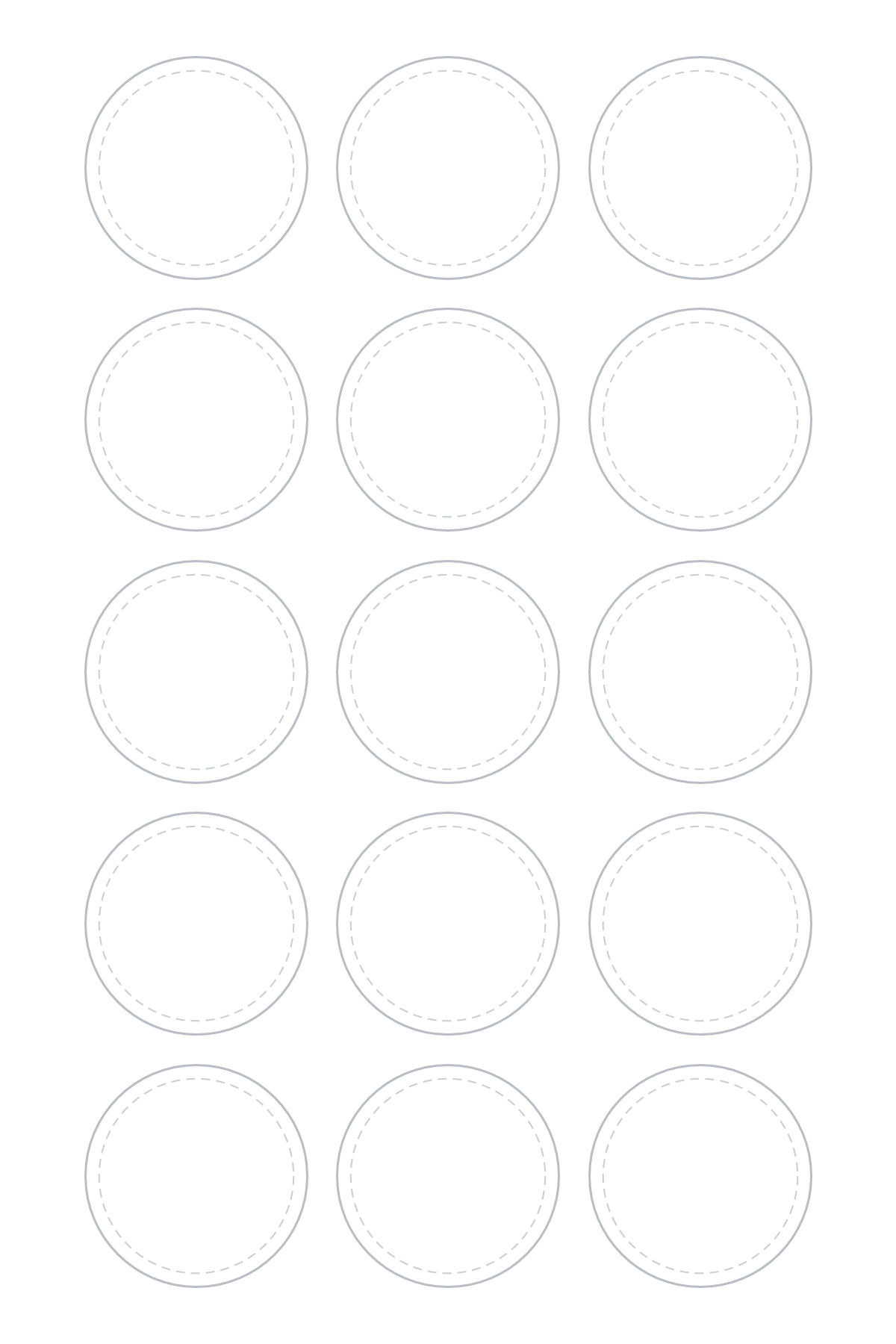
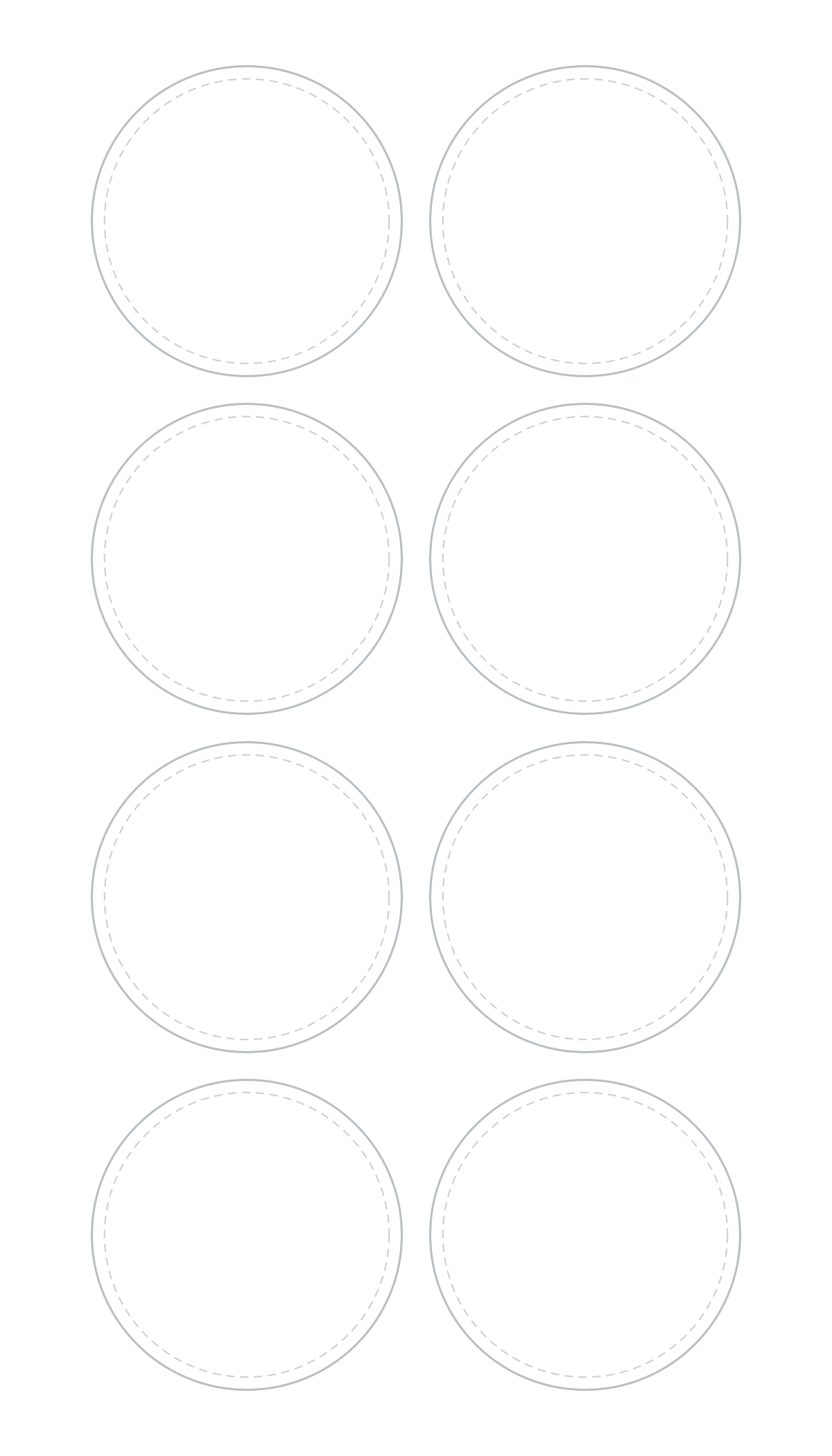
1.5 in circles
8 on a 4×7 sheet (2 × 4), 6 on a 4×6 sheet (2 × 3).
PNG: 1200 × 2100 or 1200 × 1800 px · 300 DPI · transparent. SVG: 4 × 7 or 4 × 6 in. Also: 4×6 PNG · 4×7 SVG · 4×6 SVG
Download 4×7 PNGOpen in sheet maker at this size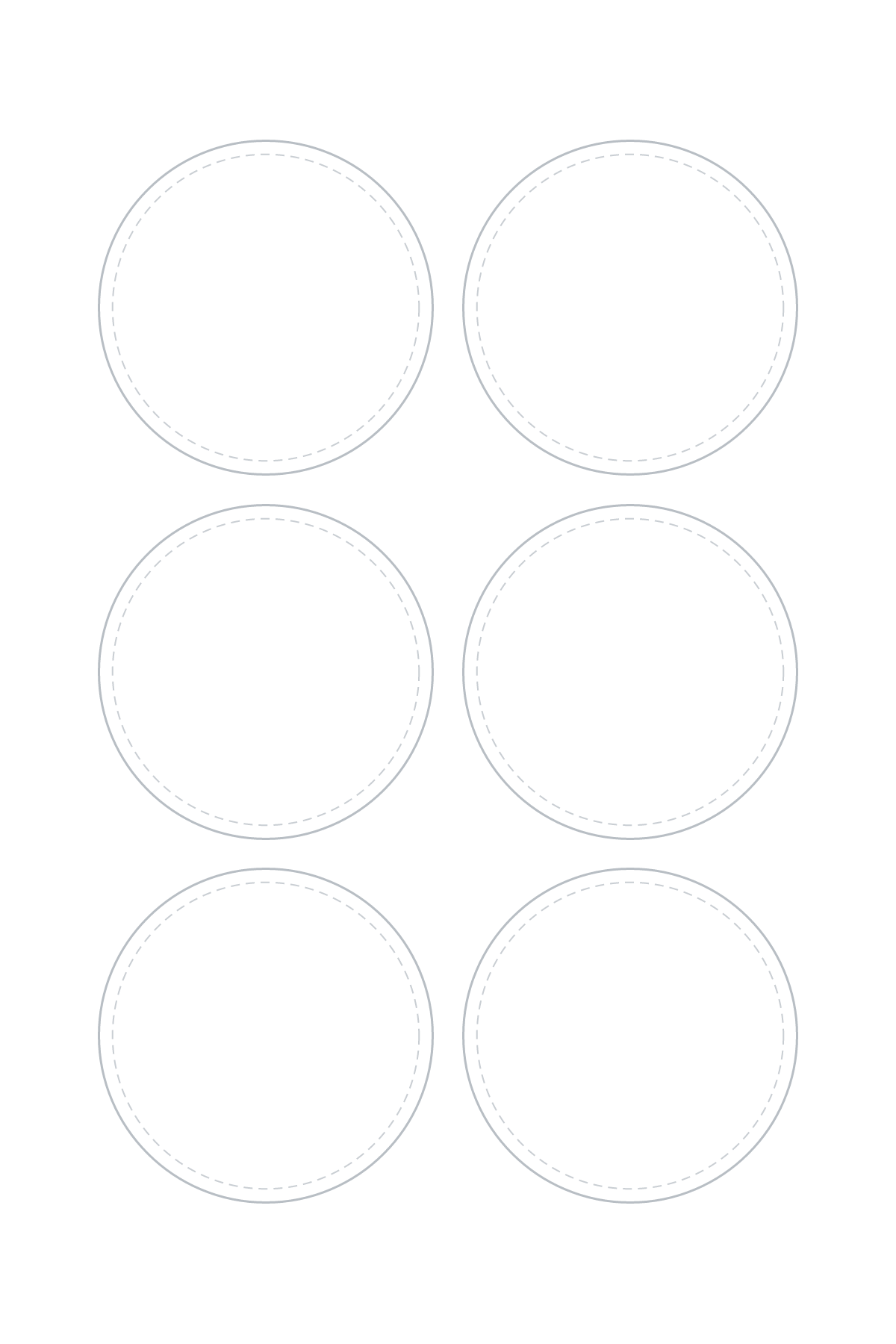
1.75 in circles
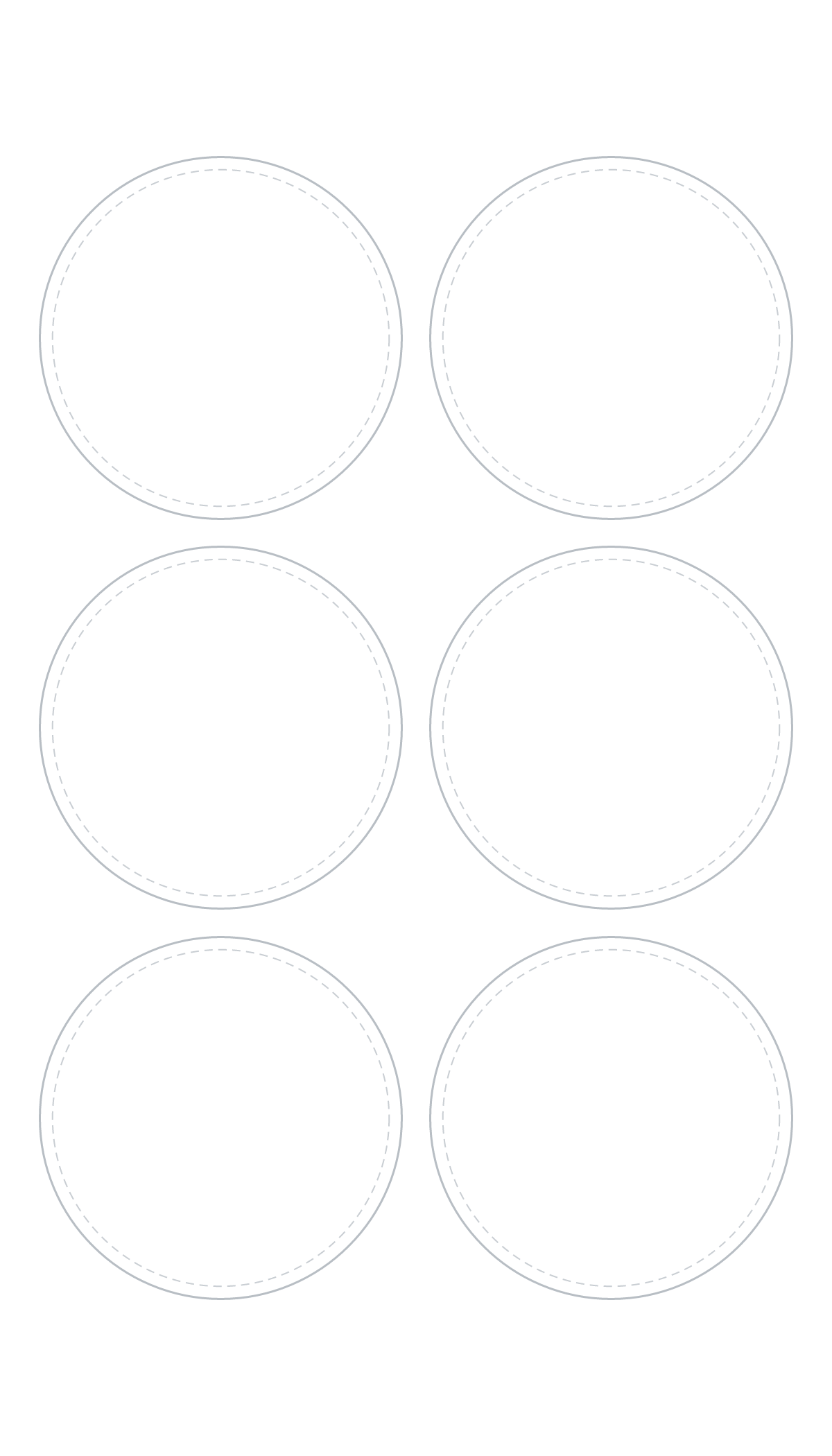
6 on a 4×7 sheet (2 × 3), 6 on a 4×6 sheet (2 × 3).
PNG: 1200 × 2100 or 1200 × 1800 px · 300 DPI · transparent. SVG: 4 × 7 or 4 × 6 in. Also: 4×6 PNG · 4×7 SVG · 4×6 SVG
Download 4×7 PNGOpen in sheet maker at this size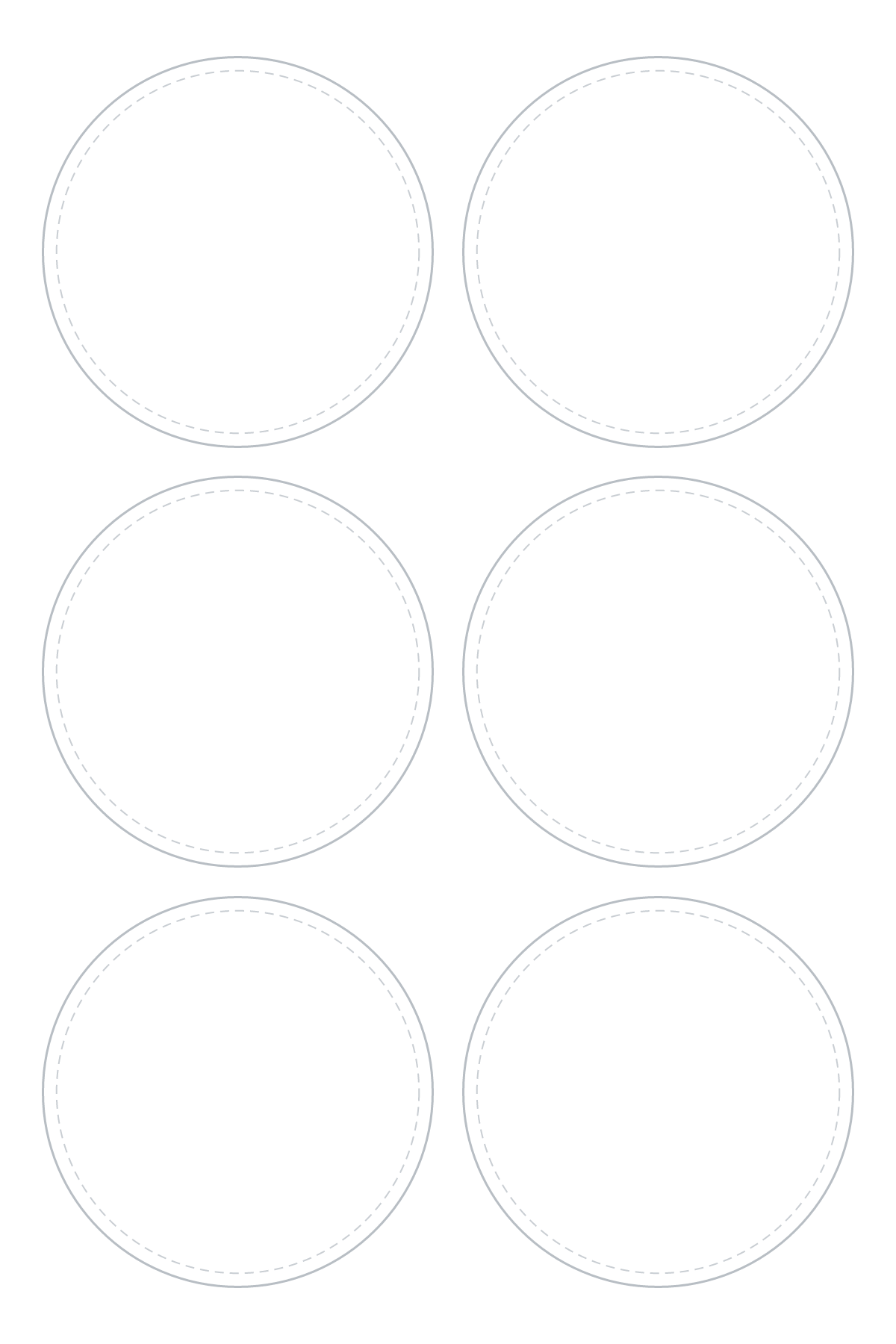
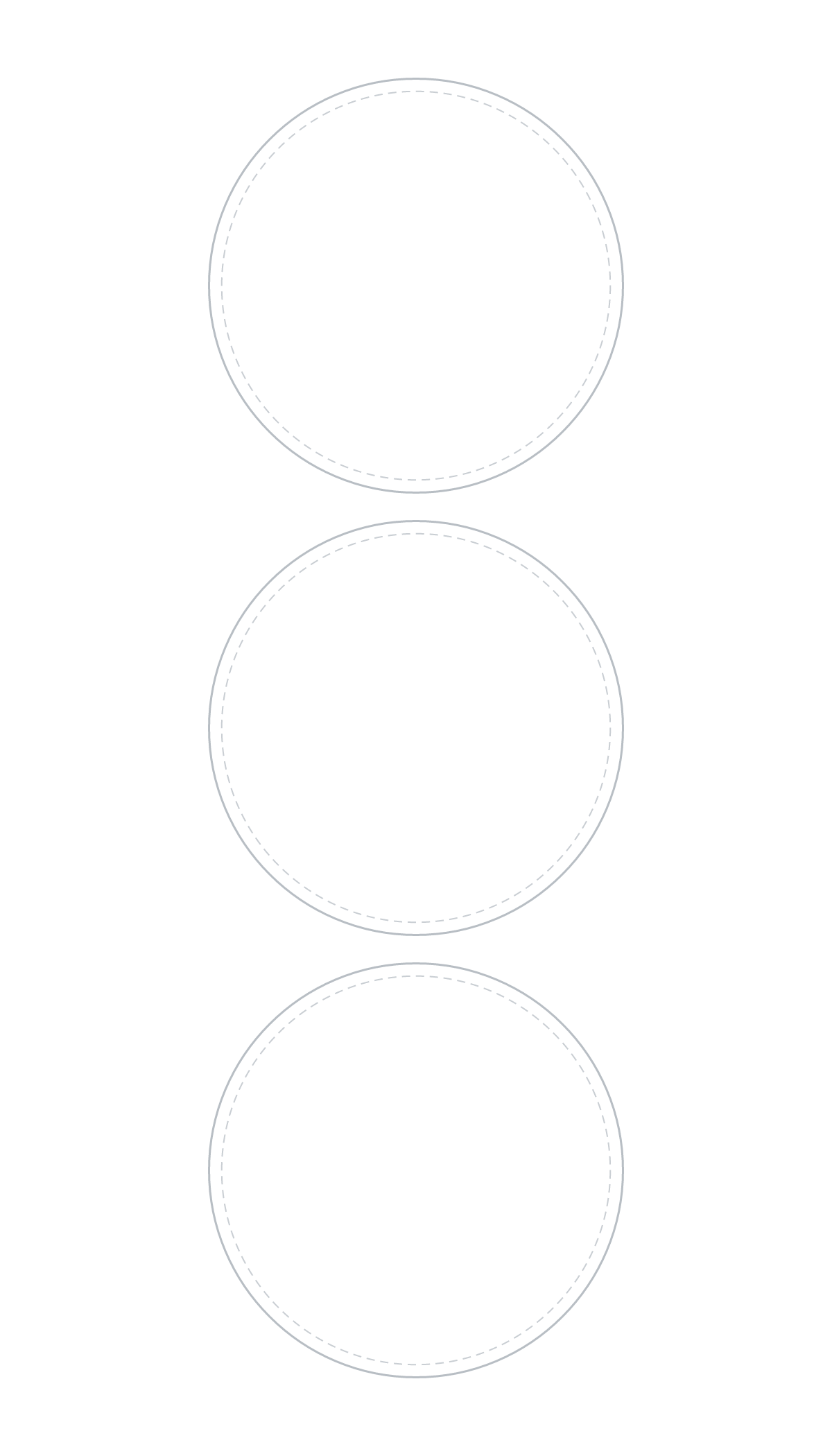
2 in circles
3 on a 4×7 sheet (1 × 3), 2 on a 4×6 sheet (1 × 2).
PNG: 1200 × 2100 or 1200 × 1800 px · 300 DPI · transparent. SVG: 4 × 7 or 4 × 6 in. Also: 4×6 PNG · 4×7 SVG · 4×6 SVG
Download 4×7 PNGOpen in sheet maker at this size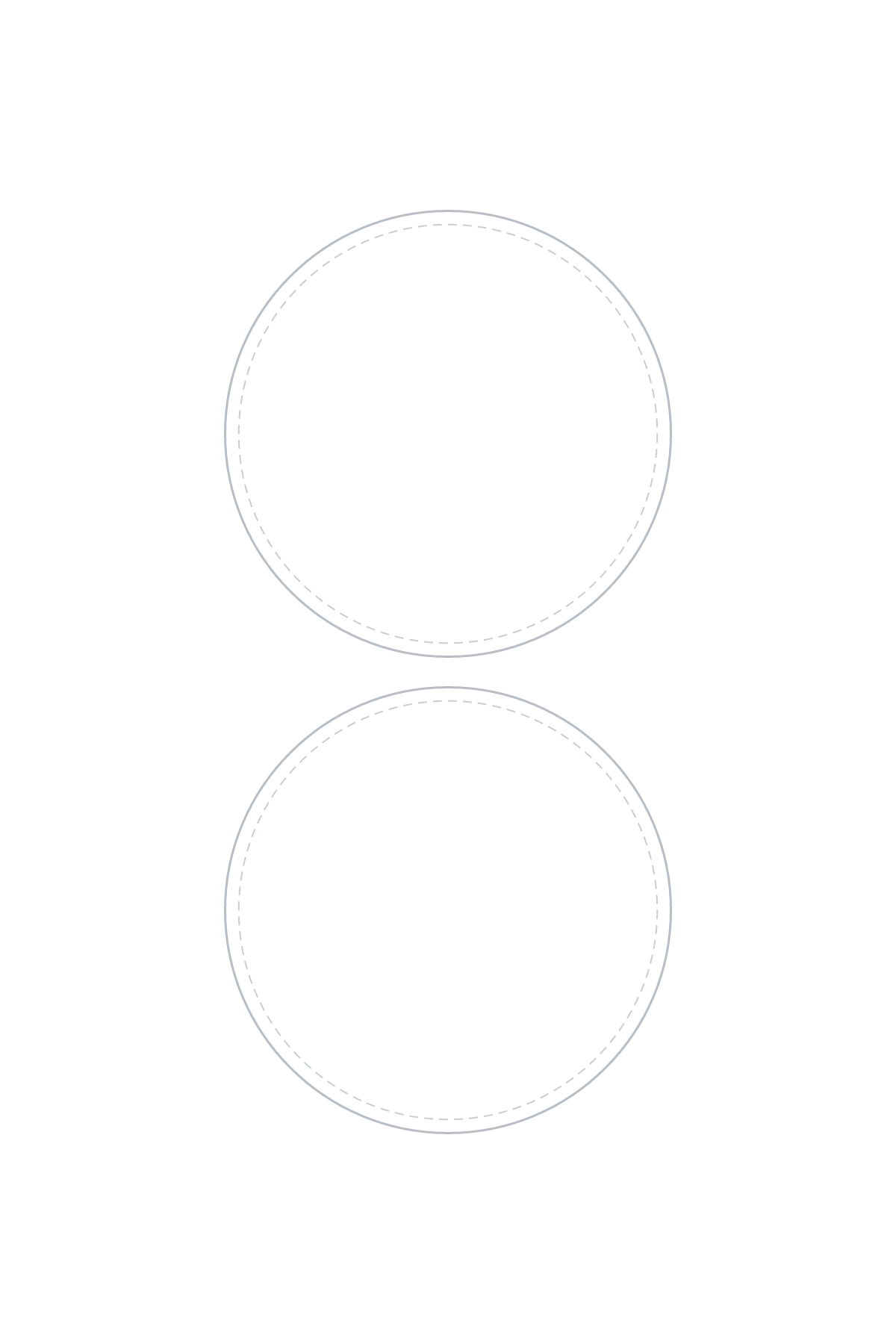
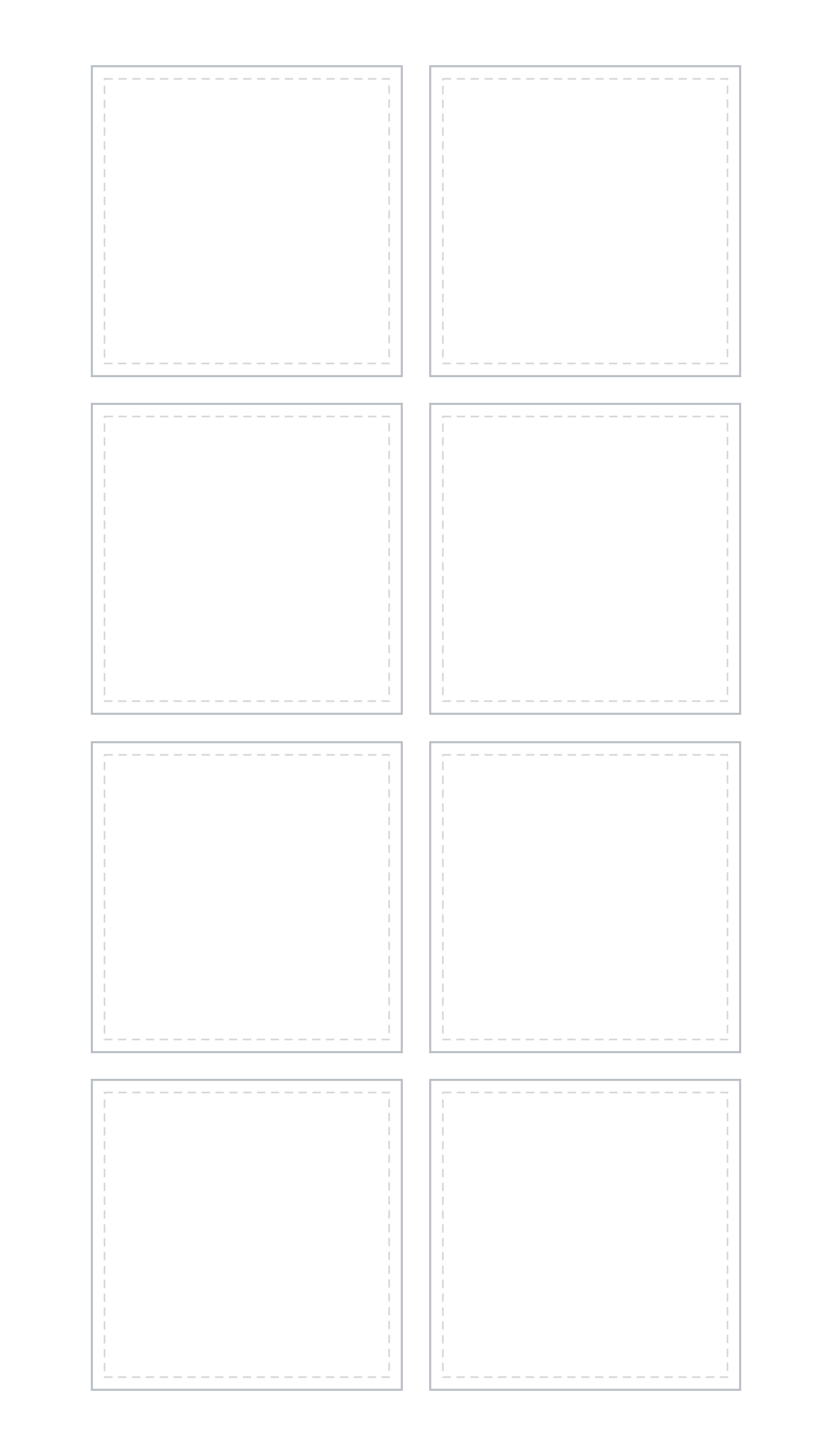
1.5 in squares
8 on a 4×7 sheet (2 × 4), 6 on a 4×6 sheet (2 × 3).
PNG: 1200 × 2100 or 1200 × 1800 px · 300 DPI · transparent. SVG: 4 × 7 or 4 × 6 in. Also: 4×6 PNG · 4×7 SVG · 4×6 SVG
Download 4×7 PNGOpen in sheet maker at this size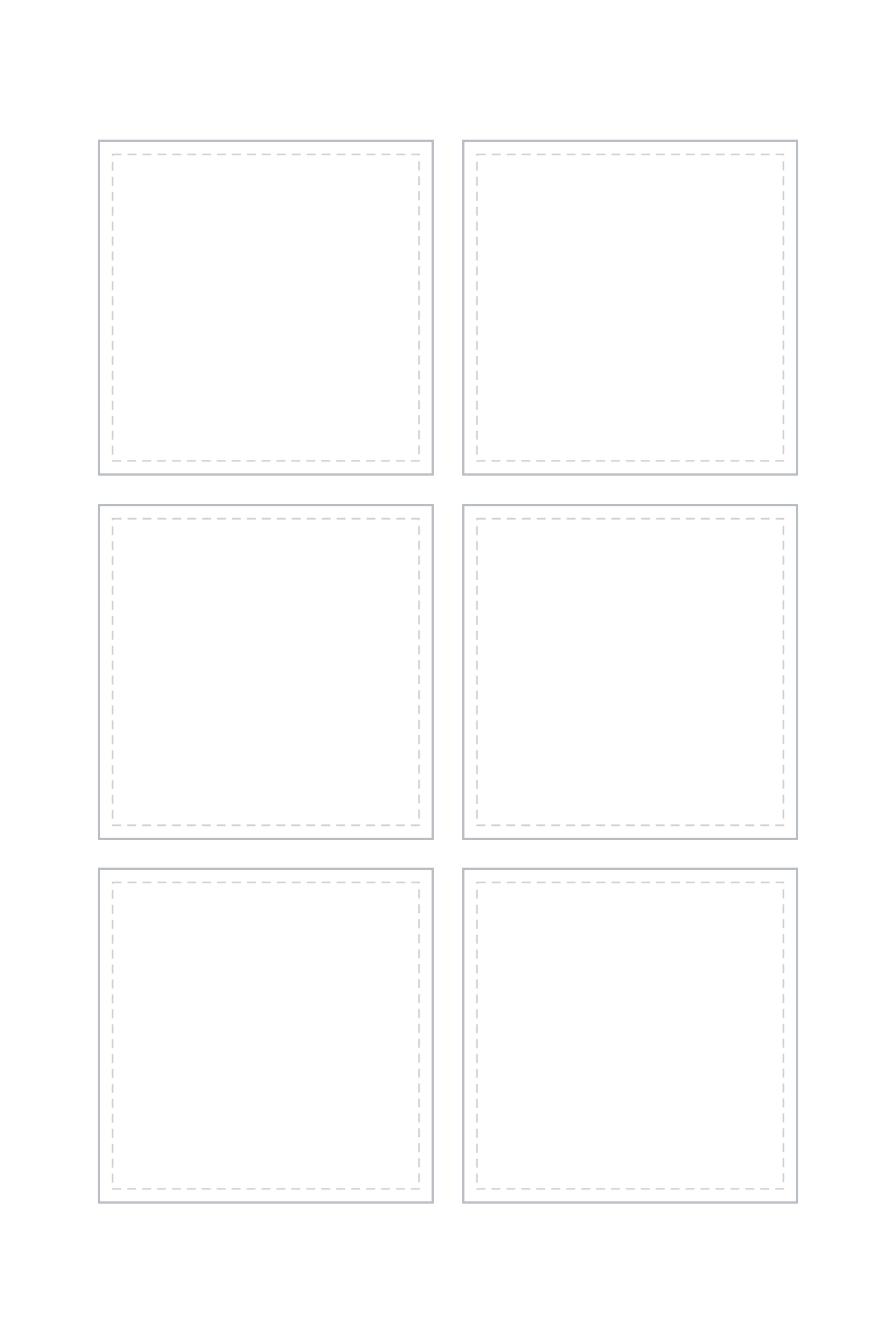
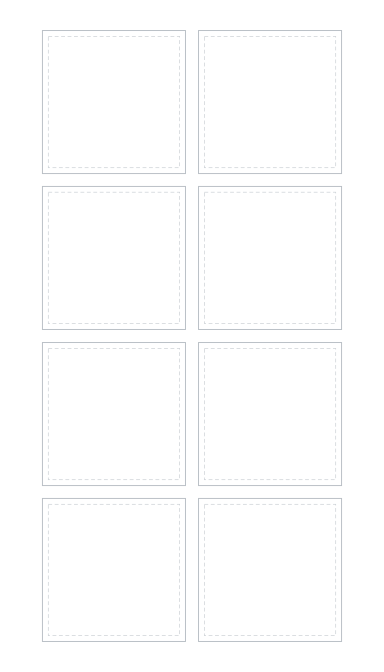
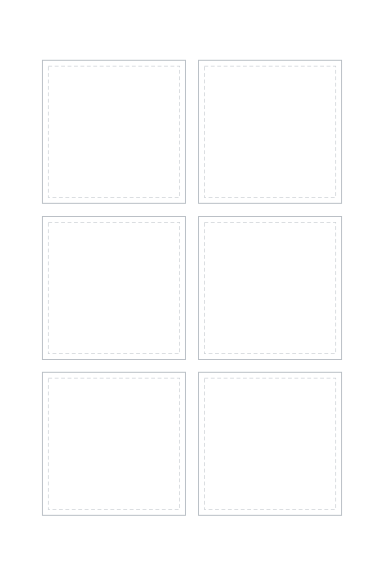
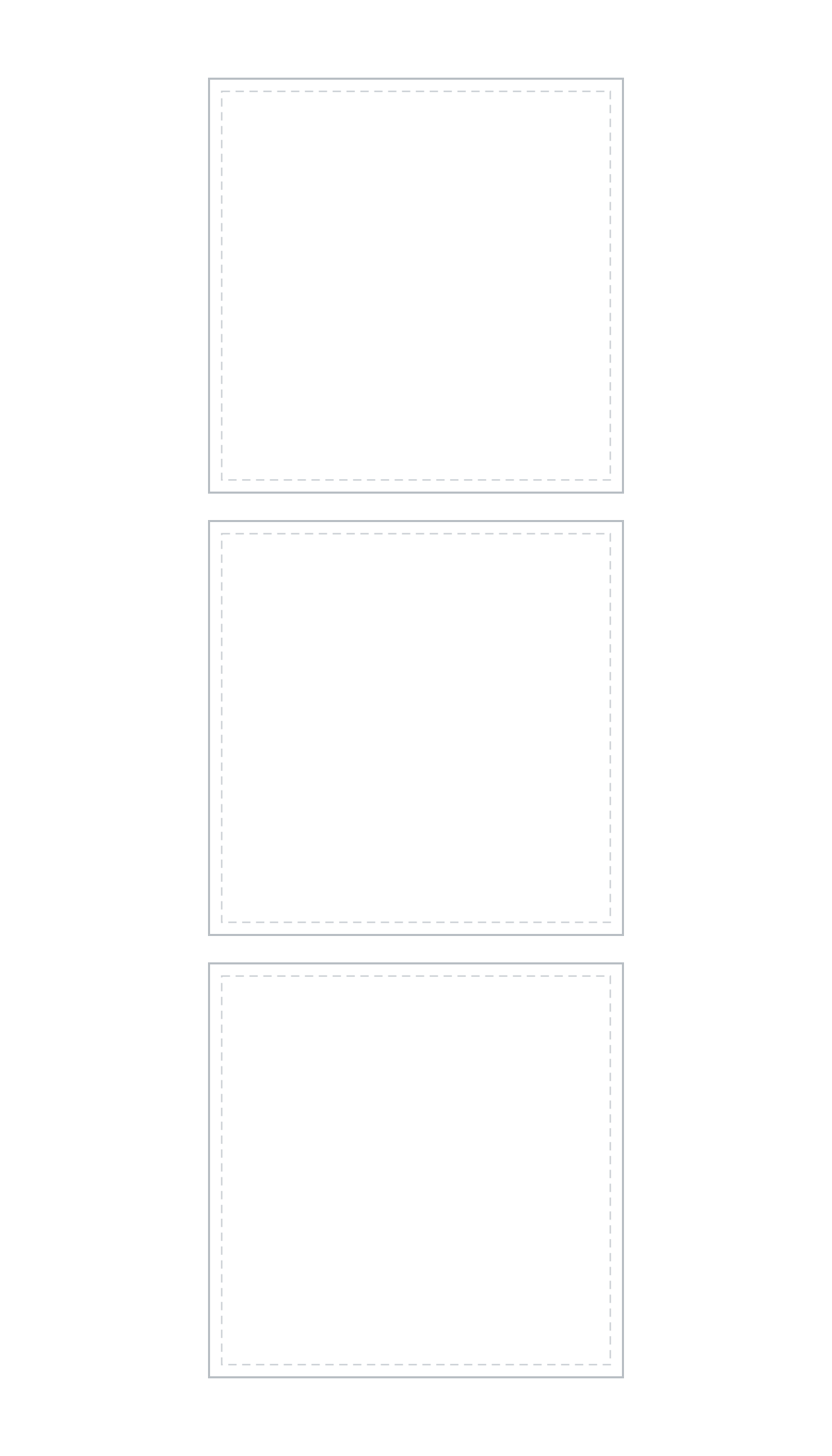
2 in squares
3 on a 4×7 sheet (1 × 3), 2 on a 4×6 sheet (1 × 2).
PNG: 1200 × 2100 or 1200 × 1800 px · 300 DPI · transparent. SVG: 4 × 7 or 4 × 6 in. Also: 4×6 PNG · 4×7 SVG · 4×6 SVG
Download 4×7 PNGOpen in sheet maker at this size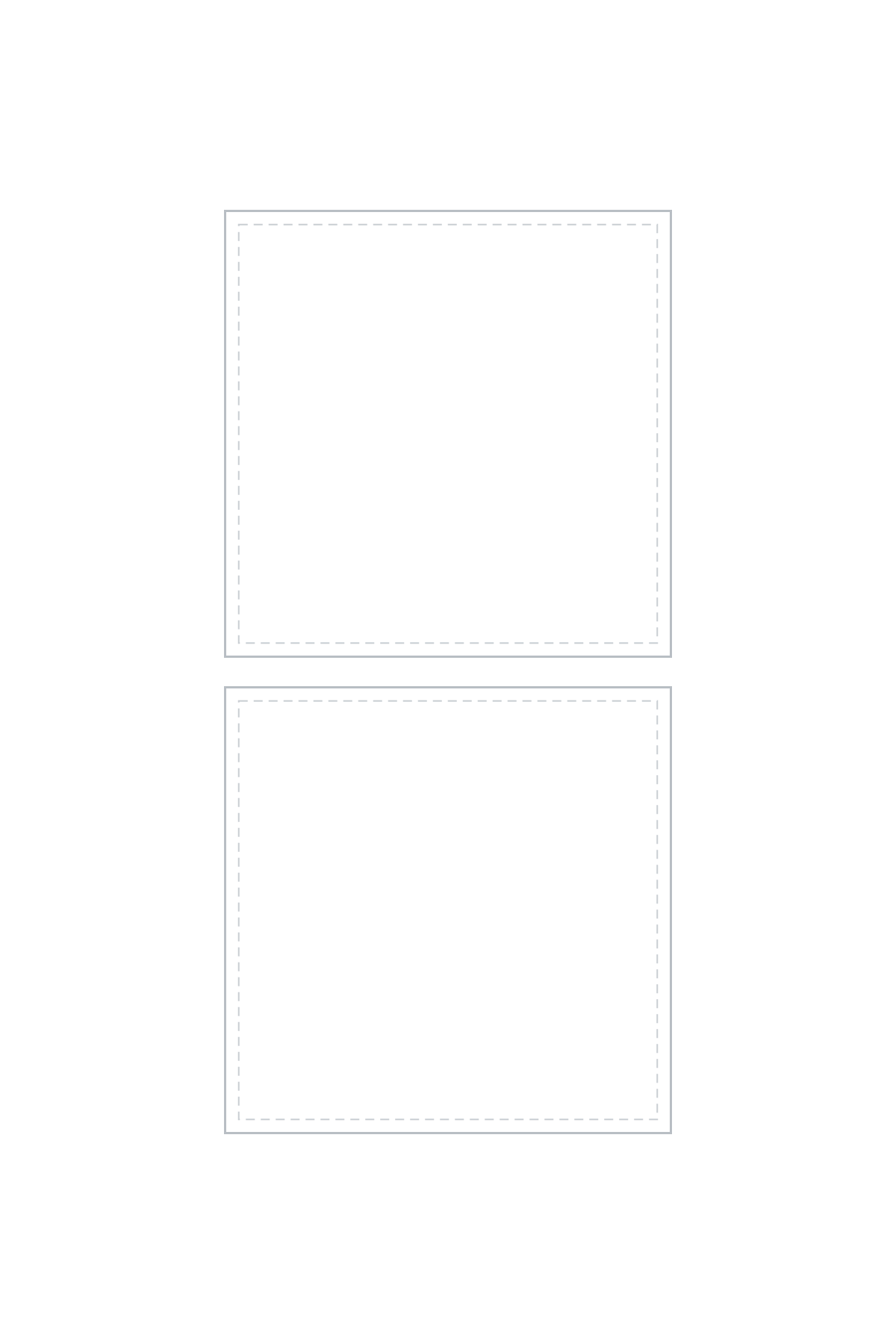
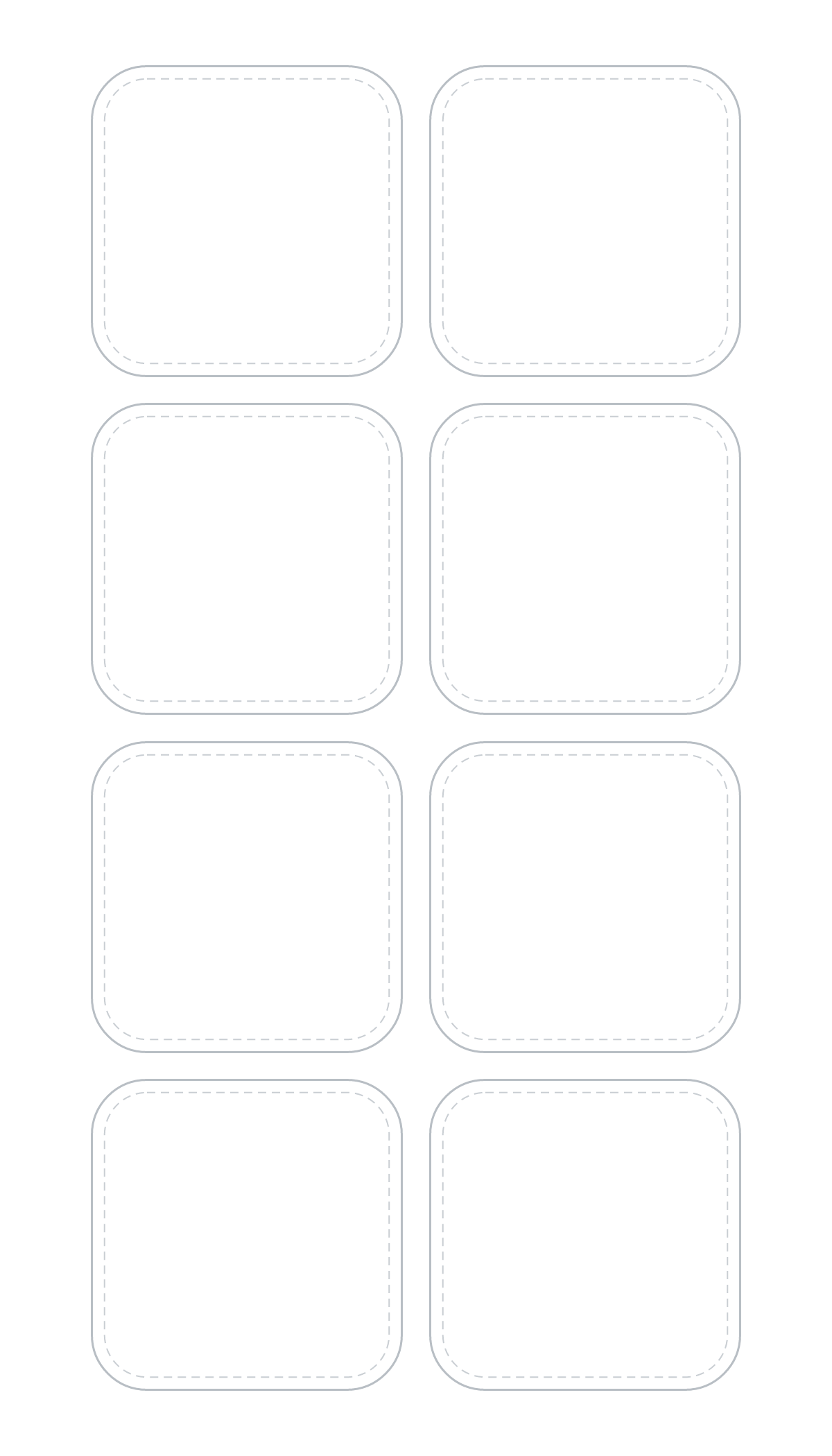
1.5 in rounded squares
8 on a 4×7 sheet (2 × 4), 6 on a 4×6 sheet (2 × 3).
PNG: 1200 × 2100 or 1200 × 1800 px · 300 DPI · transparent. SVG: 4 × 7 or 4 × 6 in. Also: 4×6 PNG · 4×7 SVG · 4×6 SVG
Download 4×7 PNGOpen in sheet maker at this size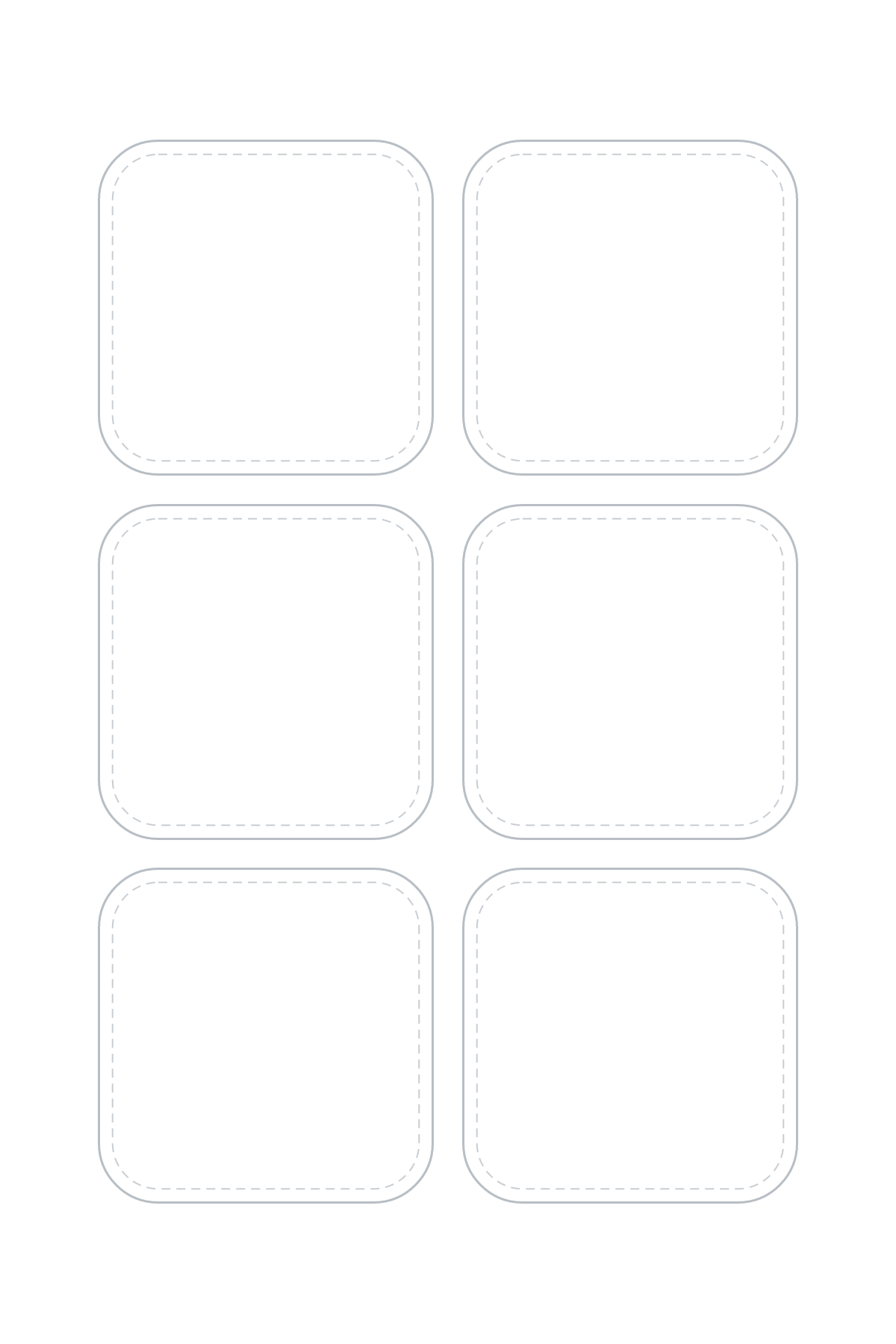
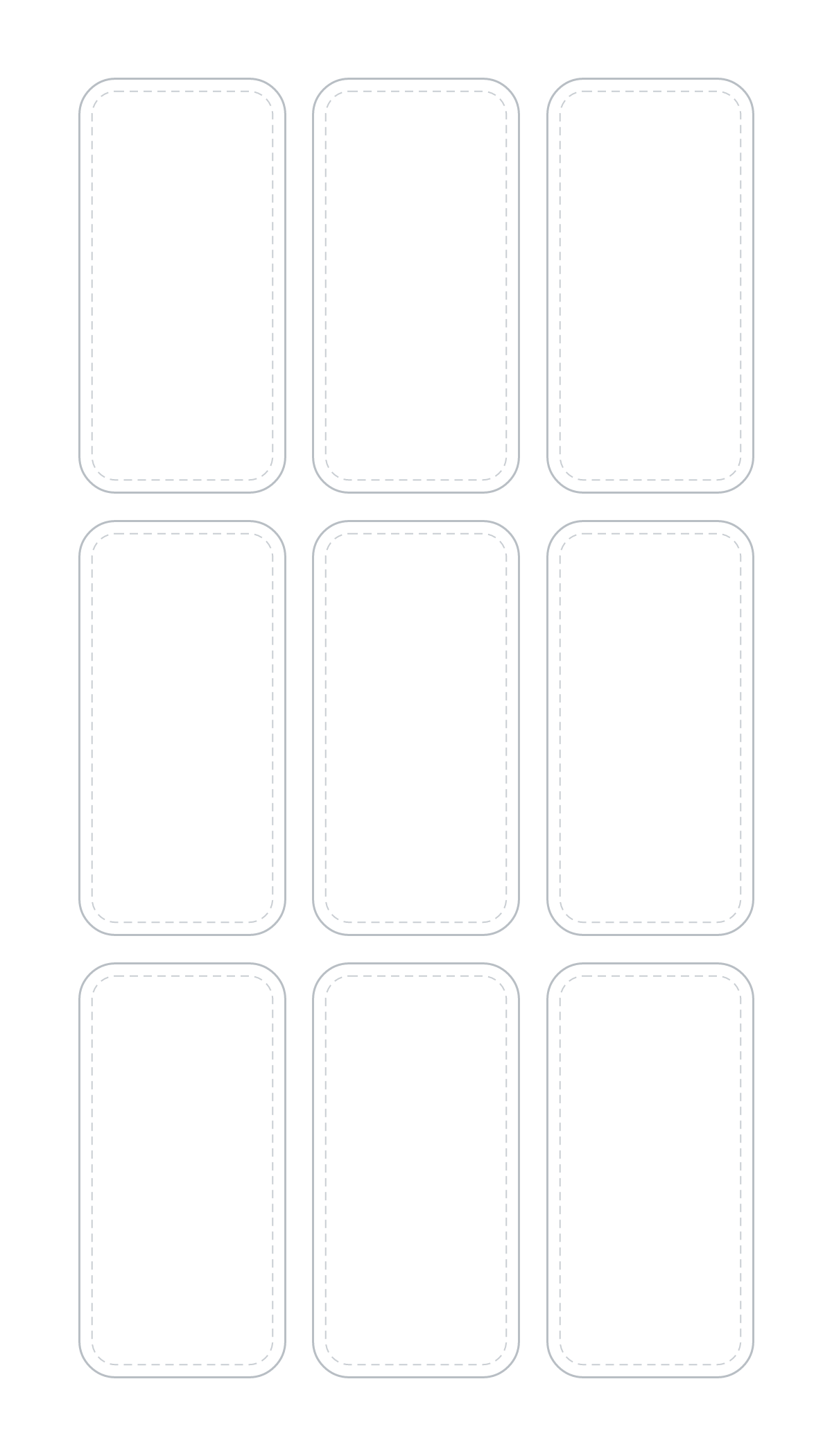
2 × 1 in labels
9 on a 4×7 sheet (3 × 3), 6 on a 4×6 sheet (3 × 2). Laid out as 1 × 2 in (turned) to fit more.
PNG: 1200 × 2100 or 1200 × 1800 px · 300 DPI · transparent. SVG: 4 × 7 or 4 × 6 in. Also: 4×6 PNG · 4×7 SVG · 4×6 SVG
Download 4×7 PNGOpen in sheet maker at this size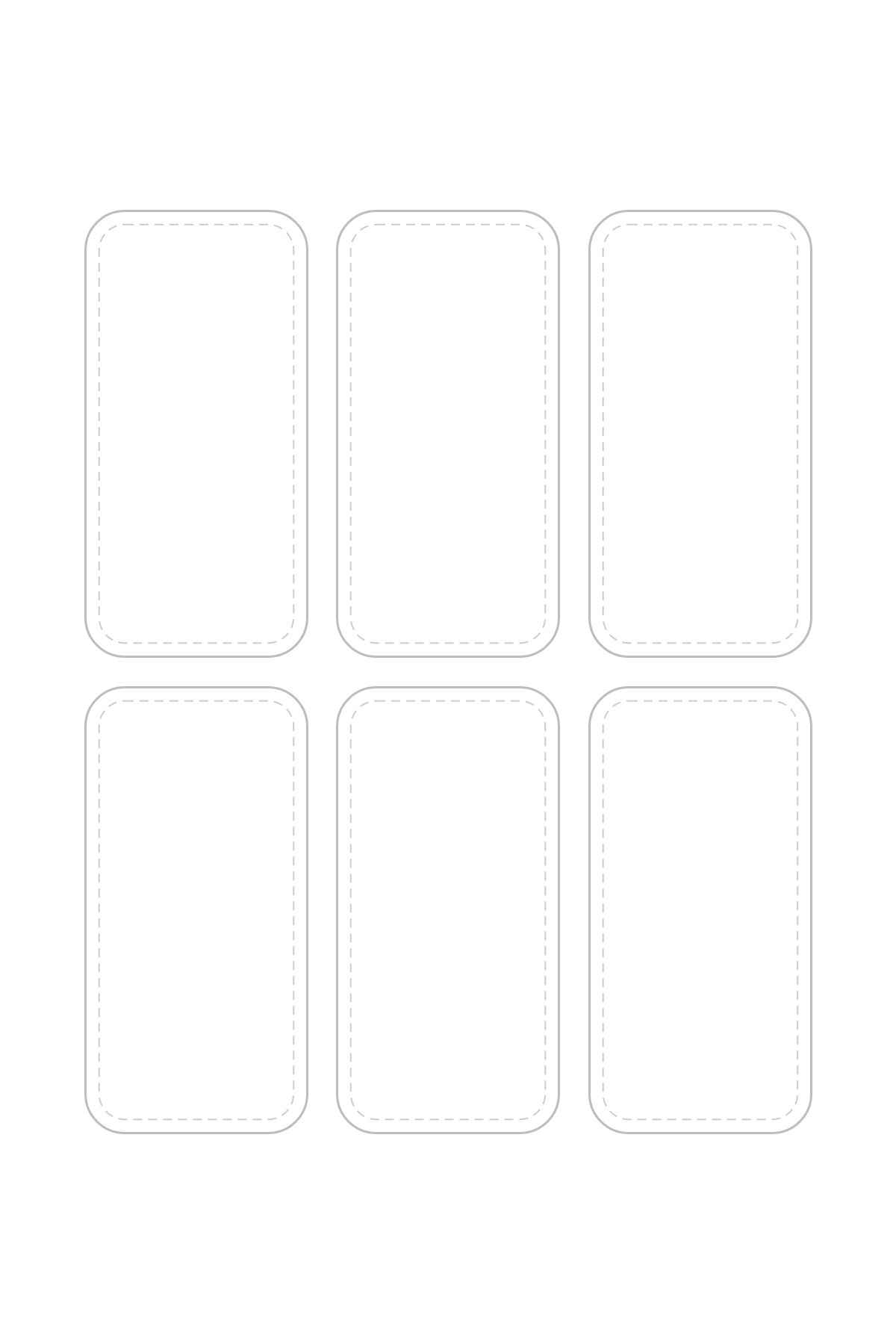
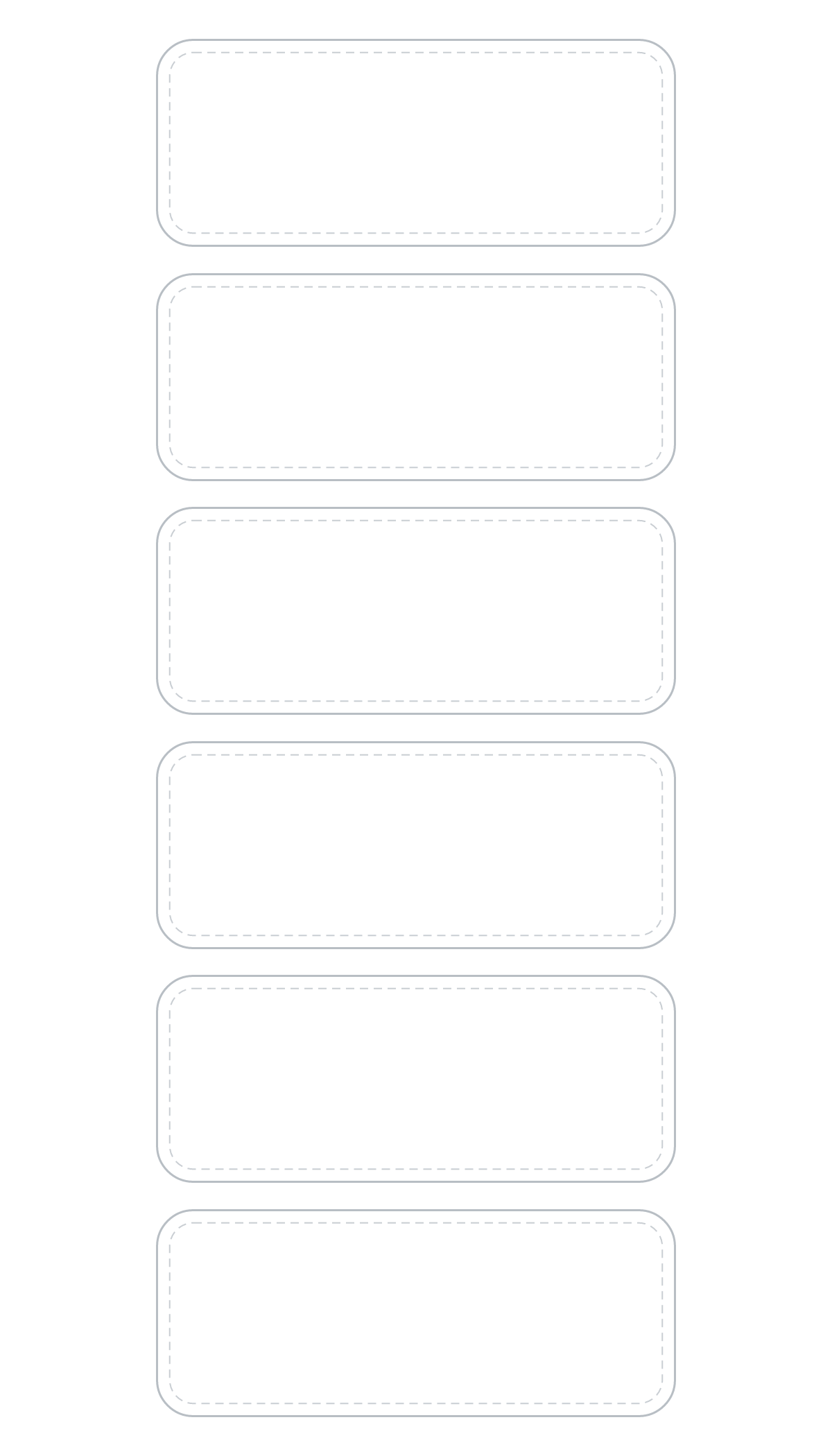
2.5 × 1 in labels
6 on a 4×7 sheet (1 × 6), 6 on a 4×6 sheet (3 × 2).
PNG: 1200 × 2100 or 1200 × 1800 px · 300 DPI · transparent. SVG: 4 × 7 or 4 × 6 in. Also: 4×6 PNG · 4×7 SVG · 4×6 SVG
Download 4×7 PNGOpen in sheet maker at this size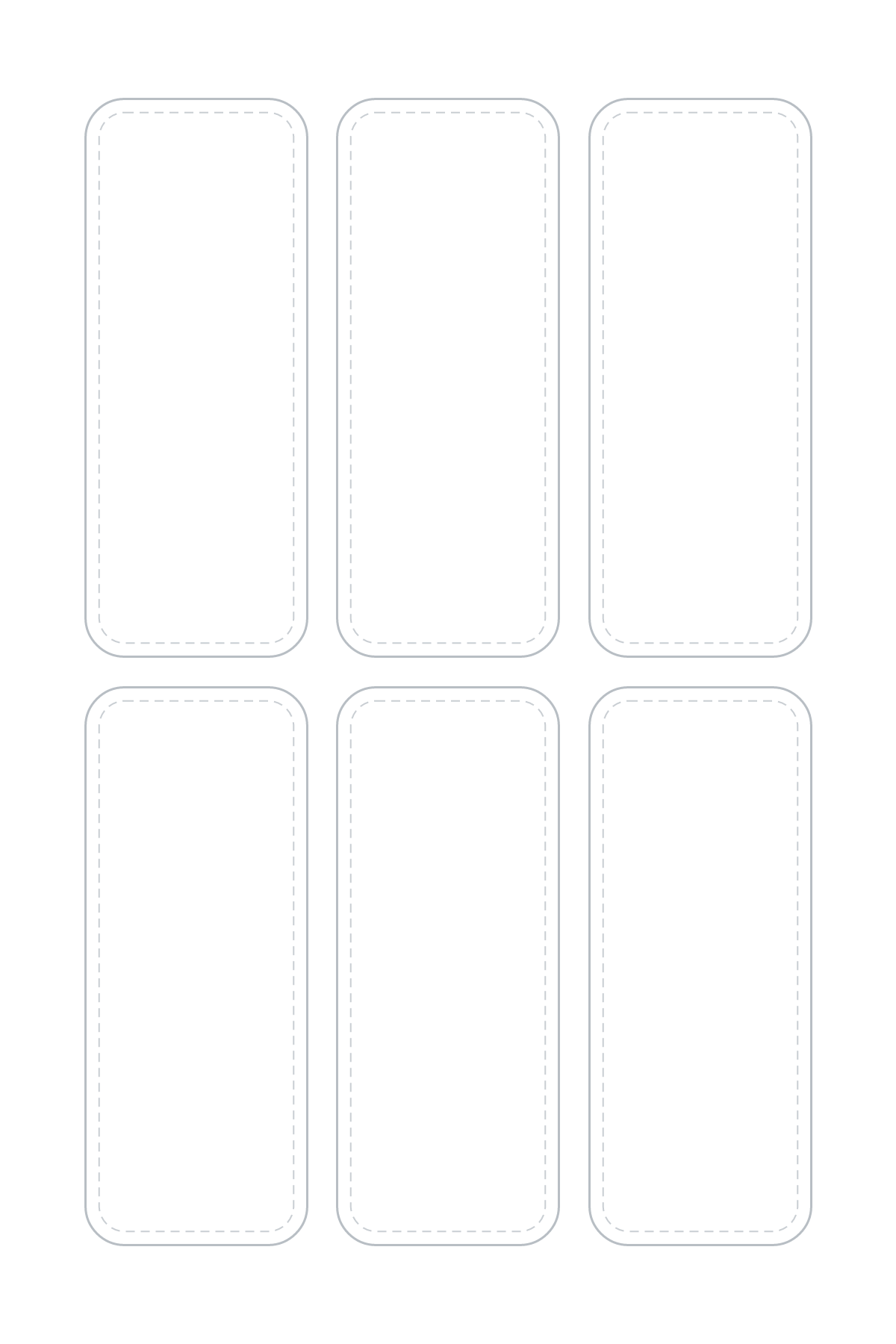
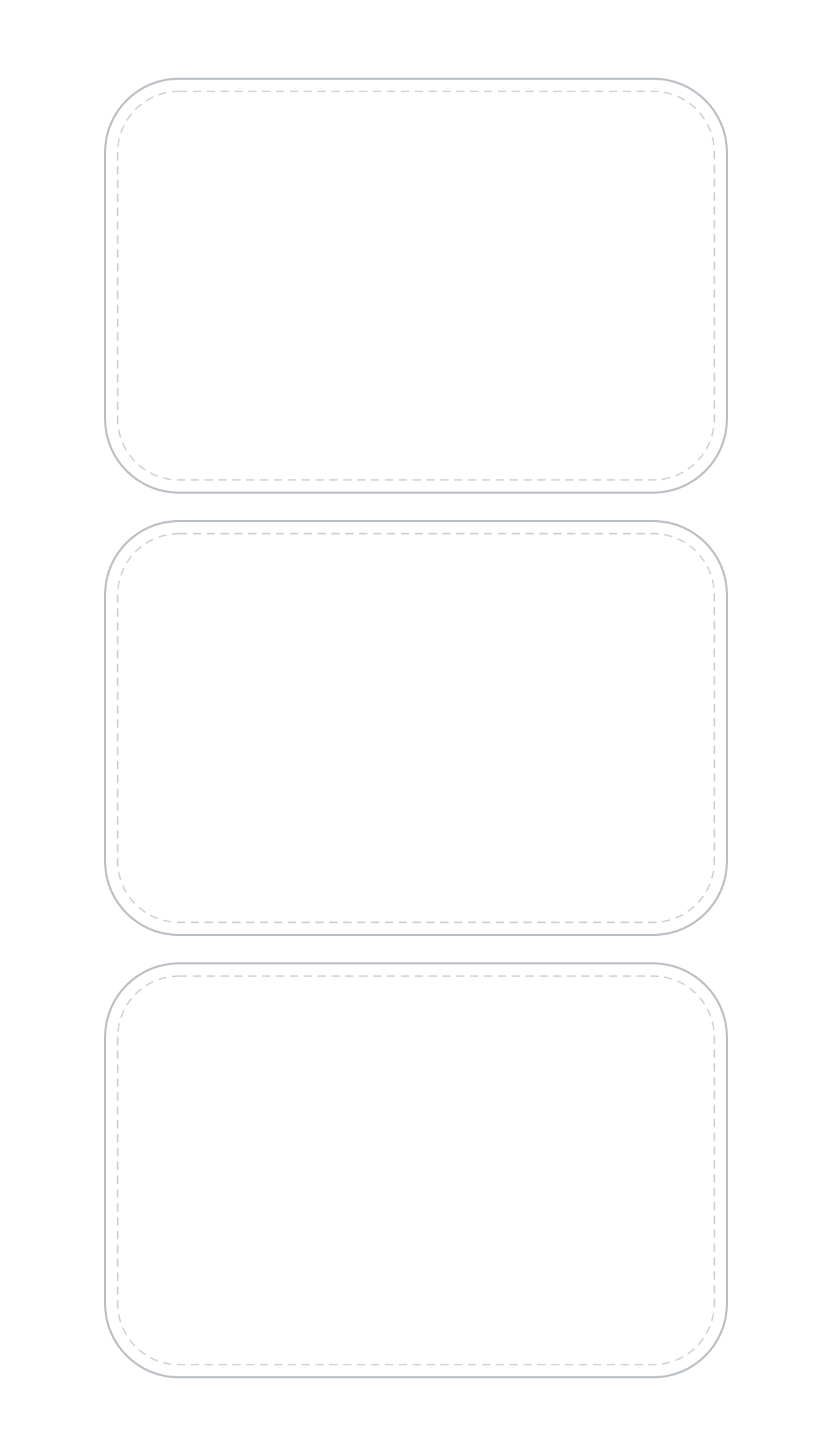
3 × 2 in labels
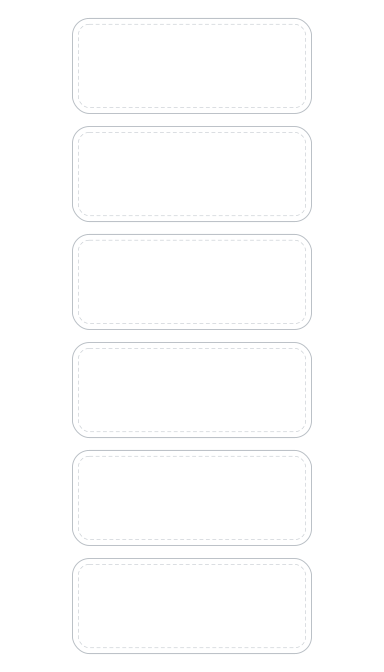
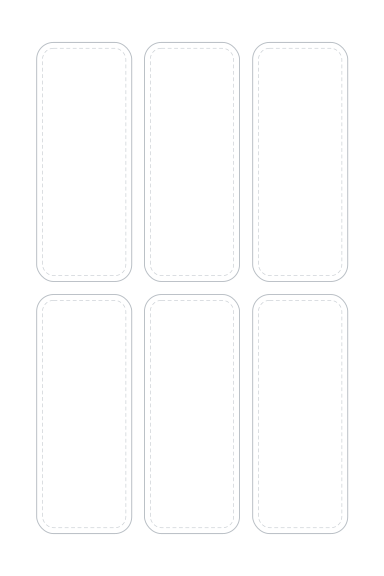
3 on a 4×7 sheet (1 × 3), 2 on a 4×6 sheet (1 × 2).
PNG: 1200 × 2100 or 1200 × 1800 px · 300 DPI · transparent. SVG: 4 × 7 or 4 × 6 in. Also: 4×6 PNG · 4×7 SVG · 4×6 SVG
Download 4×7 PNGOpen in sheet maker at this size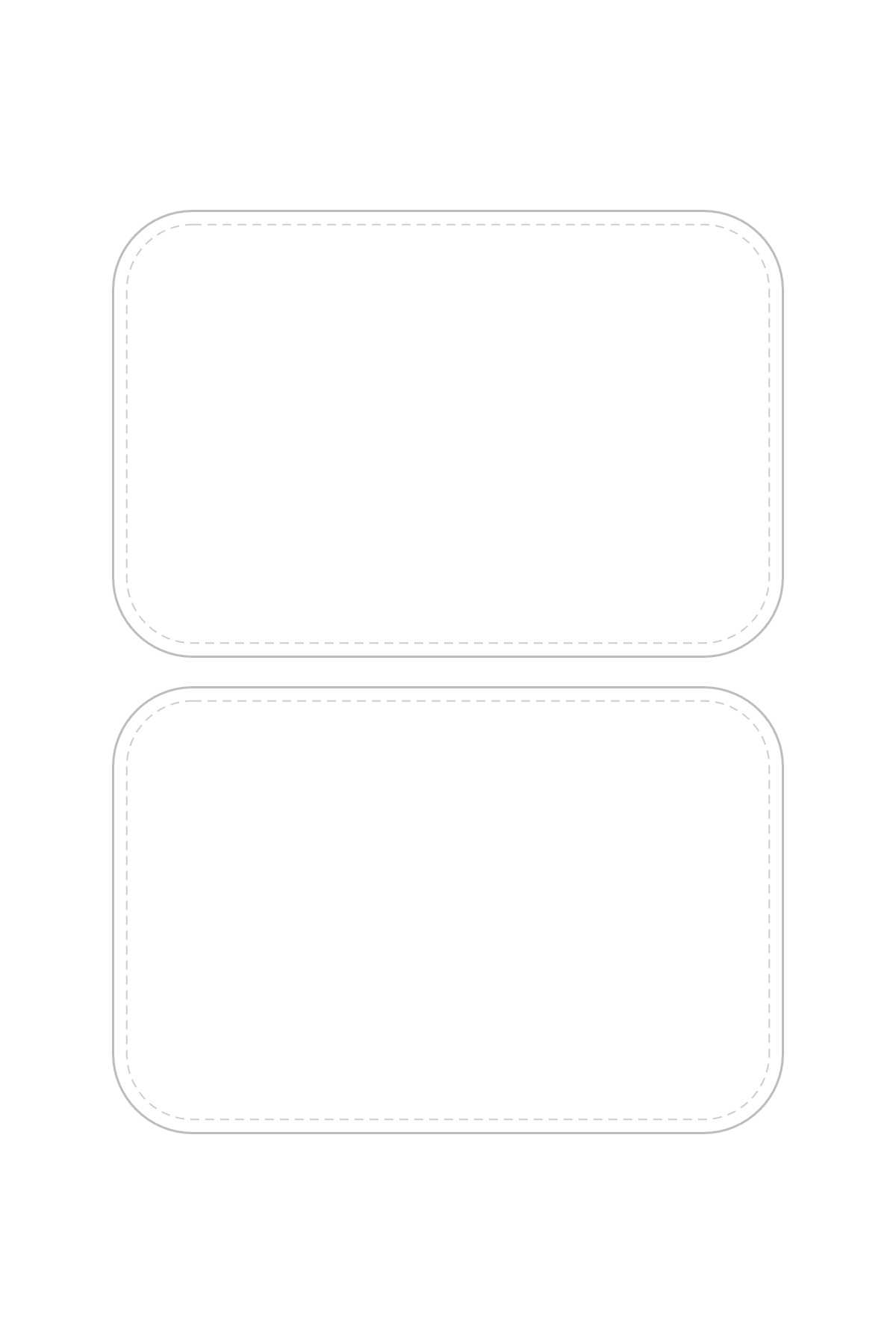
Want artwork instead? Start from the free seasonal and everyday sticker sheets, or put your own images on a sheet in the sheet maker; it runs in your browser and never uploads them. Upload tips: upload your own designs.
Related articles
Sources
All 5 sources, each with its access date
- Liene tech specs, “Technical Specifications for PixCut S1”
- Cricut shop (US), “Cricut StickerPix Print + Cut Essential Bundle”
- Cricut Help Center, “Cricut StickerPix Print + Cut compatible materials and supplies”
- Canon spec sheet, “SELPHY CP1500 Spec Sheet (PDF)”
- Liene product page, “PixCut S1 Photo Sticker Printer and Cutter (product page)”